

AI Tools for Last-Minute Holiday Fashion Campaigns: A Designer's Emergency Guide
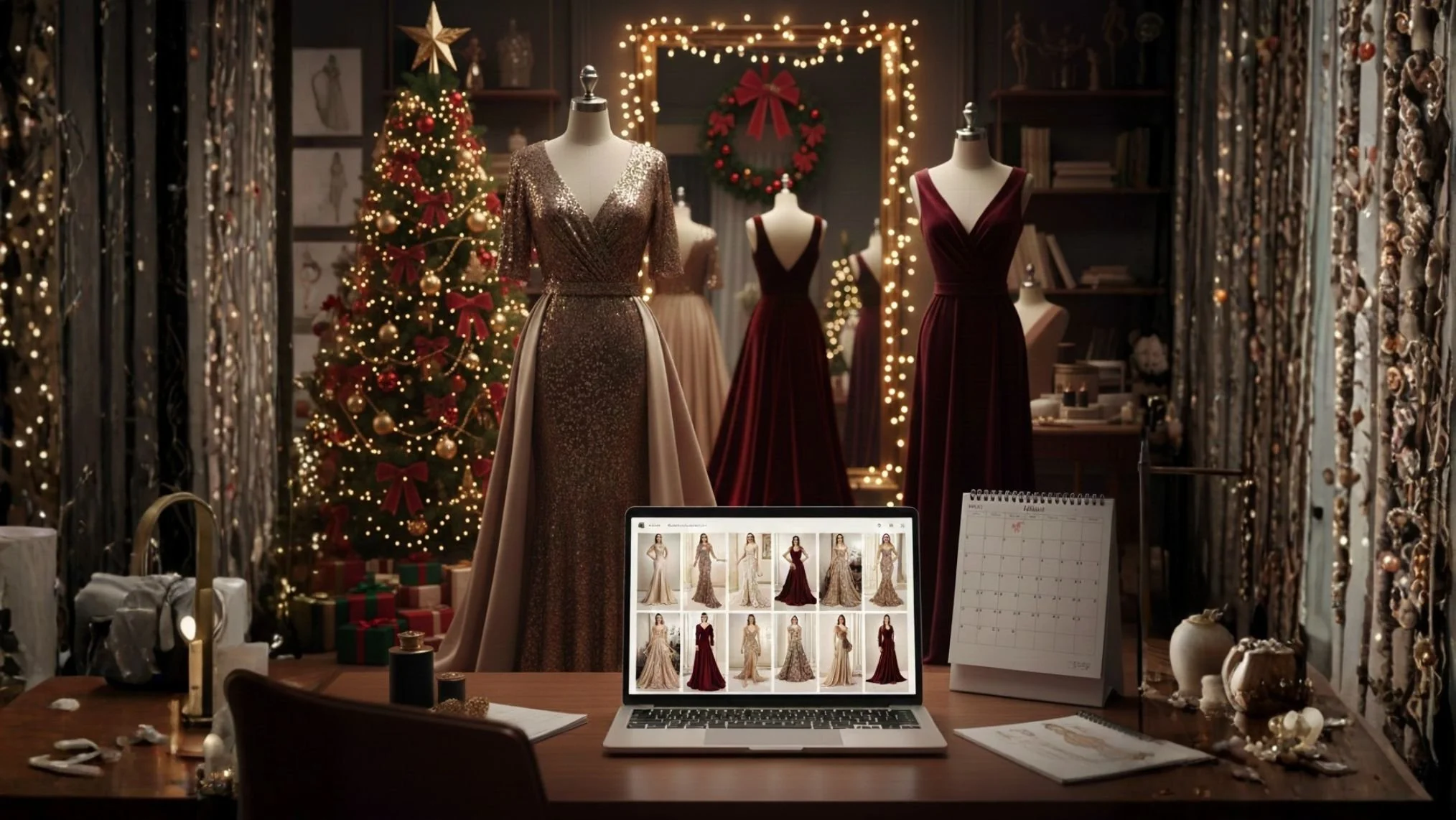
Can you relate to this feeling?
It's mid-December. Your holiday collection should be everywhere by now, but your photographer's schedule fell through. Your model got booked by someone else. The styling you planned isn't happening. Those sample pieces you needed are still delayed.
Meanwhile, buyers are asking for images. Your wholesale partners need assets by Friday. That gift guide deadline already passed.
This happens every December to designers at every level. The compressed holiday window (just 27 days between Thanksgiving and Christmas this year) makes everything harder. Spring preview presentations overlap with holiday fulfillment. Everyone is booked solid until January. Budgets already burned through on fall campaigns that underperformed.
Traditional fashion photography struggles to pivot during crunch time. You're looking at a two-week minimum turnaround once you secure everyone's schedule, with costs running into thousands for photographer, model, styling, hair, makeup, studio rental, rush fees, and post-production. When you're racing against the final shopping days before Christmas, those timelines don't work.
But if you're already using AI tools for design work or mood boards, you have what you need to generate a campaign fast. This is exactly why SHE IS AI exists: to help women and underrepresented voices access AI tools that level the playing field, turning barriers into opportunities and empowering you to lead with the resources you already have.
Here's your emergency toolkit.
The Three Tools That Can Save Your Season
Midjourney: Your Emergency Lookbook Solution
If you've been using Midjourney for design inspiration, you already understand the basics. Now apply that same skill to campaign imagery.
The difference between usable results and garbage comes down to how you write prompts. Fashion language works. Generic descriptions don't.
What works: "Bias-cut silk charmeuse midi dress, cowl neckline, champagne colorway, editorial lighting, Vogue aesthetic"
This prompt gives Midjourney specific information. Bias-cut tells it about construction. Silk charmeuse specifies fabric texture. Champagne defines exact color. Editorial lighting sets the photography style.
What creates garbage: "Pretty fancy dress for holiday party"
Learning to write in fashion language takes practice. Start by describing garments the way you'd write them on a line sheet. Neckline shape. Silhouette. Fabric content. Cut and construction. Then add photography style references using editorial magazine names and lighting descriptions.
You'll generate 100 to 150 images to find 30 keepers. That ratio feels wasteful at first, but you're curating, which is what fashion people do. The AI will struggle with fabric drape and sequins will look strange. Textures won't match your actual samples. But for Instagram campaigns and email headers during the December crunch, workable beats perfect when the alternative is silence.
Copy.ai: When You Can't Write Another Holiday Description
Fashion copywriting in December feels impossible. You've written "perfect holiday party dress" too many times. Every gift guide sounds identical. Your brand voice disappeared under deadline pressure.
If you already use Copy.ai for product descriptions, you know how to prompt it and which outputs to ignore. Generate 40 headline options in fifteen minutes. Scan them fast. Most will sound like corporate-speak. A few will have something interesting buried in generic language. Pull those out, then spend 90 minutes refining your top choices, adding back your actual voice and specific details AI can't know.
Plan to rewrite about 70% of what the tool generates, keeping the structure while adding your design philosophy, your collection's actual story, and the specific scenarios your customers shop for.
This is the heart of what SHE IS AI teaches: AI gives you speed and structure, but you provide the soul, expertise, and authentic voice that makes your work yours. Technology amplifies your creativity; it doesn't replace it.
Runway ML: Adding Motion to Static Shots
Static garment photos on hangers don't convert well during holiday shopping. Buyers scrolling through feeds want to see how things move. How does that silk skirt flow when I walk? Does the fringe on that party dress actually swing? Will that wrap dress stay closed or gap open when I sit down?
Runway ML adds subtle motion to your flat lays and hanger shots. Fabric shifts slightly, like someone just walked past. Metallic details catch light the way they would under actual movement. The effect is small, but on feeds saturated with static photography, these tiny movements grab attention from shoppers scrolling fast during lunch breaks or evening couch time.
Budget about $25 in additional credits beyond whatever you're already paying monthly for a batch of 10 to 12 clips. Each one takes 20 to 25 minutes to render, so start the batch running before dinner and check results later.
Your 40-Hour Emergency Plan
This timeline works if you already know these tools reasonably well. If you're learning from scratch, double these hours.
Hours 0-8: Audit What You Have
Start by gathering everything that already exists. Pull together product shots from your last campaign, flat styling photos, fabric swatches, sketches, and customer photos from past seasons. Review previous campaign copy that got responses.
Make a hard decision: define one clear message for this campaign. Not five messages about sustainability and craftsmanship and sizing. One idea that solves the specific problem your customer faces during holiday season.
Map which pieces need hero treatment. Pick six core pieces, not your entire collection.
Hours 9-24: Generate Everything in Batches
Batch-process imagery through Midjourney using fashion-specific prompts. Write them like line sheet descriptions plus magazine aesthetics. Create three times what you need, knowing most won't make the cut.
For a velvet wrap dress: "Editorial fashion photography, woman in burgundy velvet wrap dress, art deco interior, sophisticated window lighting, Harper's Bazaar style"
Generate. Review fast. Keep or delete. Don't agonize over maybes. If it doesn't immediately feel right, it's wrong.
Feed your best 15 to 20 images into Runway ML for subtle animation if video content matters for your channels.
Use Copy.ai to generate headlines and body copy for emails, Instagram captions, gift guide copy, and product descriptions.
Hours 25-36: The Fashion-Specific Edit
This phase separates fashion brands from generic e-commerce.
Color-correct AI images to match your actual fabric swatches. Remove impossible styling details like floating jewelry or plastic-looking fabric. Adjust proportions that look wrong. Ensure lighting feels consistent. Check that the vibe matches your brand aesthetic.
Add fabric content and care details AI couldn't know. Include your fit philosophy. Write about design inspiration. Describe how each piece works for different holiday events. Add your craftsmanship story.
Create different image sets for retail buyers (clean product shots) versus direct customers (lifestyle inspiration). Prepare wholesale line sheets with technical specs if needed.
Hours 37-40: Launch Strategically
Stagger your content throughout the day. Send wholesale buyer emails at 6am. Post Instagram at 10am. Send customer emails at 2pm. Post TikTok videos at 4pm and 8pm. Run Instagram stories throughout the day.
Watch for questions during the first three hours after each launch. Wholesale buyers especially expect immediate responses.
What Nobody Tells You About AI Fashion Tools
Color accuracy is terrible. You specify emerald green, Midjourney gives you forest, sage, kelly, and teal. Keep physical samples next to your screen and match manually.
Fabric texture fails constantly. AI thinks all silk looks like satin. Velvet becomes crushed velvet. Linen looks stiff. You must manually review every texture.
Garment construction gets weird. Seams appear in impossible places. Closures don't make sense. If someone couldn't actually make this garment, delete it.
Styling coherence requires your expertise. AI puts summer sandals with winter coats. It pairs jewelry incorrectly. You need your trained fashion eye to fix these disasters.
Diversity defaults are terrible. Generated models skew heavily white and Western unless you actively course-correct in every single prompt.
Fashion buyers can tell the difference. Use AI for direct consumer campaigns and social media. For wholesale presentations and trade shows, invest in real photography of actual samples.
The Real Value Right Now
Traditional emergency shoot you can't book: Thousands in costs for photographer, model, styling, hair, makeup, studio, rush fees, and post-production. Actual availability in mid-December: effectively zero.
AI campaign using tools you already have: Zero to fifty dollars in additional costs. Time investment of 40 hours. Availability: right now, tonight, this weekend.
The value isn't saving money. The value is generating something usable when nothing else is physically possible. You're choosing between showing up with imperfect AI-assisted content or disappearing entirely during the final crucial shopping days.
What Works Right Now
Use tools you already know. Don't learn new software this week.
Generate 50 options. Keep eight. Delete the rest without guilt.
Get another designer or stylist to review everything before posting. Fresh eyes catch disasters your exhausted brain misses.
Remember: FTC rules require clear AI disclosure. Use "Campaign imagery created with AI assistance" in visible locations. Fashion customers value this transparency, and wholesale buyers require it.
Launch imperfect campaigns over perfect silence. Done beats perfect when Super Saturday (December 21) doesn't wait.
You've Got This
Right now, 16 days before Christmas, you face a choice. Spend the next 40 hours creating something imperfect that might work, or spend them panicking about the perfect campaign that will never happen. One of those choices makes you money. One keeps your wholesale relationships alive. One gets your collection in front of people who will love it.
The other choice? That's just panic spinning in circles.
You already have the tools. You already have the skills. You already have the creative vision that makes your work yours. These AI tools just help you execute faster when traditional options fail.
Your collection deserves to be seen by people who will love it. The window is closing, but it's not closed yet. Start tonight.
Join the SHE IS AI community for more AI tips, prompt techniques, and support from designers navigating these exact challenges. We're figuring this out together, sharing what works, and empowering each other to show up even when conditions aren't perfect.
Join SHE IS AI Fashion Community →
